Your Memories Are Trapped in an App. Here's the Extraction Plan
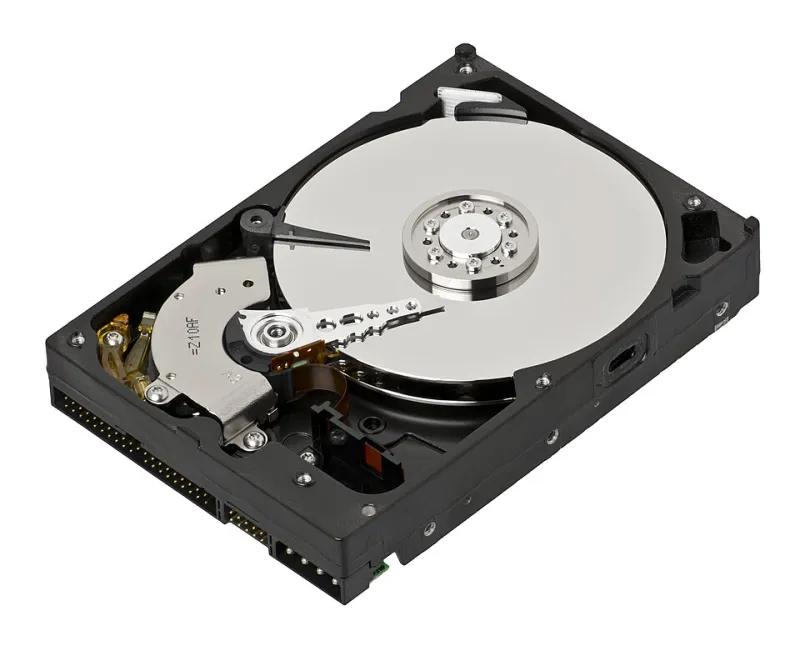
Photo: Evan-Amos, CC BY-SA 3.0, via Wikimedia Commons
Somewhere on your phone right now, there's a few years of your life that exists in exactly one place. Fourteen thousand photos in a camera app with a proprietary library format. A journal you've kept for three years in an app whose last update was in 2024. A workout log with every lift since college. Grandma's sauce recipe typed into a recipe app that requires a network connection to open.
None of it is backed up. All of it feels permanent. It isn't.
This is not a scare piece. It's an afternoon of work you can space out over a couple of weekends, and it's the single most underrated form of digital hygiene there is.
Step one: take inventory
Before you export anything, write down where things actually live. Open your phone and scroll through every app that stores something you'd be upset to lose. Most people miss at least a few of these:
- Photos in a syncing app, plus screenshots and the ones you edited in a second editor
- Journals, diaries, and mood trackers
- Fitness and habit histories
- Recipes, cookbooks, and saved grocery lists
- Voice notes, recordings, and music you made yourself
- Reading highlights, saved articles, and annotated PDFs
- Chat threads with people who matter
- Scanned documents, receipts, and medical records
Put it in a note. You're looking for the apps where you'd feel a small pang if the icon disappeared tomorrow. Those go to the front of the line.
What export actually looks like
Exports are not created equal, and the bad ones are designed to be bad. Here's what to expect and what to insist on.
| Content type | What to look for | What to accept grudgingly |
|---|---|---|
| Photos | Original files in a ZIP, with metadata intact | Google Takeout-style archives with sidecar JSON files |
| Journals | Markdown, plain text, or one file per entry | A single PDF, only if entries are in separate pages |
| Fitness logs | CSV with dates and values | Screenshots of charts |
| Recipes | Text plus a separate image folder | Print-to-PDF, if the layout survives |
| Voice notes | MP3 or WAV originals | A compressed m4a with no metadata |
| Highlights | Markdown with source URLs | HTML dumps with working links |
If an app offers only a PDF of your journal, that's a red flag about the app, not a reason to skip the export. Take the PDF, then spend an hour copying entries into a plain text file. Tedious, but plain text is the cockroach of file formats — it survives everything.
Formats that outlive the company
The rule of thumb: prefer formats that don't require a specific app to open. JPEG and HEIC for photos. MP3 or WAV for audio. Plain text, Markdown, or CSV for anything typed. These will open on machines that haven't been invented yet.
Be wary of JSON as your only copy. It's great for importing into another tool and terrible for reading on a random Tuesday in 2034. Same with proprietary library formats — if the file needs the app to make sense, the file is not really yours.
For documents you'd want to keep looking correct, PDF is fine, but understand the tradeoff: it preserves appearance and destroys editability. For anything you might want to reuse — recipes, notes, addresses — keep a text version alongside it.
The naming trick that saves future you
The fastest way to make an archive useless is to dump 6,000 files named IMG_4471 into a folder called backup. Use a consistent pattern instead:
YYYY-MM-DD_appname_short-description
So: 2026-03-14_journal_morning-pages or 2026-07-02_fitness_squat-pr-225. It sorts chronologically by default, it tells you where the file came from, and it costs you four extra seconds.
The lazy version of the 3-2-1 rule
The grown-up backup advice is three copies, two media types, one offsite. You can approximate it without becoming a systems administrator:
- One working copy on your computer or phone.
- One external drive that lives in a drawer and gets plugged in monthly.
- One cloud copy with a provider that isn't the app you just left.
Then do the thing almost nobody does: open the archive six months later and try to actually read a file. An unverified backup is a rumor.
Put an extraction day on the calendar
One Saturday a year, ninety minutes, same weekend every year. Export the two or three apps you'd miss most. Rename the folder with the year. Move last year's folder to the external drive. It's boring and it works.
While you're at it, deal with passwords. If your archive is encrypted — and it should be — the password needs to live in a password manager with an emergency access plan. A perfectly preserved archive behind a forgotten password is a locked box with your name on it.
Start with the one that would hurt
You don't have to do all of this today. Pick the app whose loss would bother you most, find the export button, and get one clean copy out. Then do the next one next weekend.
The apps will keep changing hands, keep redesigning, keep shutting down. Your memories don't have to go with them.