7 Apps That Turn Your Phone Into a Family Heirloom
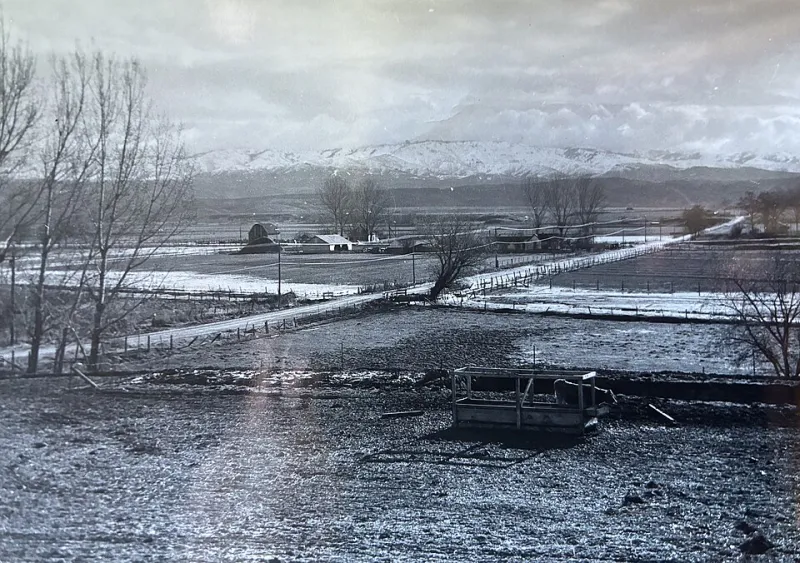
Photo: USDAgov, Public domain, via Wikimedia Commons
Here's a sobering thought: most of the photos on your phone will never be seen by another human being. They'll sit in a camera roll of 12,000 near-identical shots, and when you're gone, they'll be a locked, unsorted mystery to whoever inherits the device.
It doesn't have to be that way. A new wave of apps treats your phone less like a gadget and more like a family scrapbook — places to deliberately save the recipes, voices, and stories that actually matter, in a form your kids and grandkids can find. We rounded up seven of the best, with notes on how to set each one up so it survives long after the latest software update.
1. For the Recipe Box: Paprika Recipe Manager
Every family has the recipe written on an index card in handwriting only three people alive can read. Paprika lets you clip recipes from any website, but the real heirloom move is typing up Great-Aunt Dot's casseroles in your own words — with the story of why she made them — and organizing them into a collection you can export as plain files. Unlike cloud-only apps, Paprika stores your library locally and lets you back it up, which matters when you're building something meant to outlive you.
2. For the Voices: Day One Journal
Voice memos are the most underrated keepsake format there is. A photo shows a face; a recording keeps the laugh. Day One's audio entries let you capture a few minutes of your kid narrating their day, or your dad telling the story about the canoe for the hundredth time. Set up a shared journal with family members as contributors, and export annually to PDF and audio files. Ten years from now, that's the archive nobody will believe they got to keep.
3. For the Family Recipes That Are Also Stories: Notion (Yes, Really)
Hear us out. Notion's free personal plan is effectively a private family wiki: recipes next to scanned photos next to a page of "things Grandpa always said." Because everything lives in a structured, exportable database rather than a scrolling feed, it's the closest thing to a digital cedar chest. Assign one family member as the "librarian" and share the workspace with everyone.
4. For the Photo Time Capsule: FamilyAlbum
Most family photo-sharing apps die because nobody wants another social network. FamilyAlbum works because it's private by default, grandparents get automatic notifications when new photos land, and — crucially for keepsake purposes — you can order printed photo books directly from the albums you've already built. Digital archive and coffee-table artifact in one.
5. For the Letters: FutureMe
Not an app in the traditional sense, but too good to skip: FutureMe lets you write emails scheduled for delivery years in the future. Imagine your daughter opening a letter on her 18th birthday that you wrote when she was nine. Set a recurring calendar reminder to write one per year, and keep the account credentials in your family password manager.
6. For the Whole Story: StoryWorth
StoryWorth emails a family member a question every week — "What was your first apartment like?" — and compiles a year of answers into a hardcover book. It's the app for the relative who'll never open a journal but will reply to an email prompt. The printed book is the point: it's the keepsake that works even if every server on earth eventually shuts down.
7. For the Kids' Art and Milestones: Artkive
The refrigerator can only hold so much. Artkive lets you photograph kids' drawings, school projects, and report cards, tag them by child and year, and turn the whole archive into a printed book. One binder per kid beats one overflowing shoebox per decade.
A Quick Word on Making This Stuff Last
Whatever you pick, follow three rules. Export yearly — proprietary formats are fine for today, plain files are better for 2065. Share the keys — put logins in a family password manager so access doesn't die with your phone. And print the important stuff — the cloud is great, but paper doesn't need a subscription.
Screenshots pile up; heirlooms get built on purpose. Pick one of these, spend an hour this weekend, and give your family something better than a folder nobody will ever sort through.