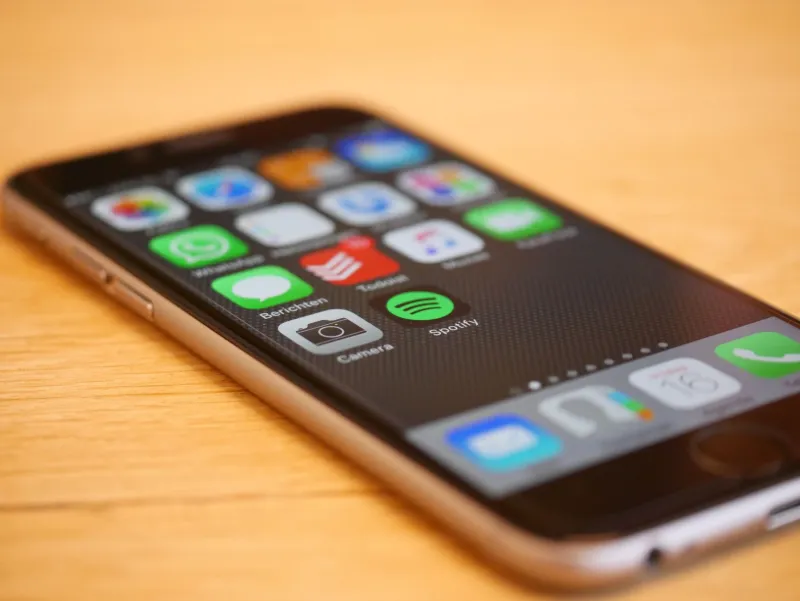
The Great App Purge: We Slashed Our Phone Down to 12 Apps for a Month — Here's What Actually Happened
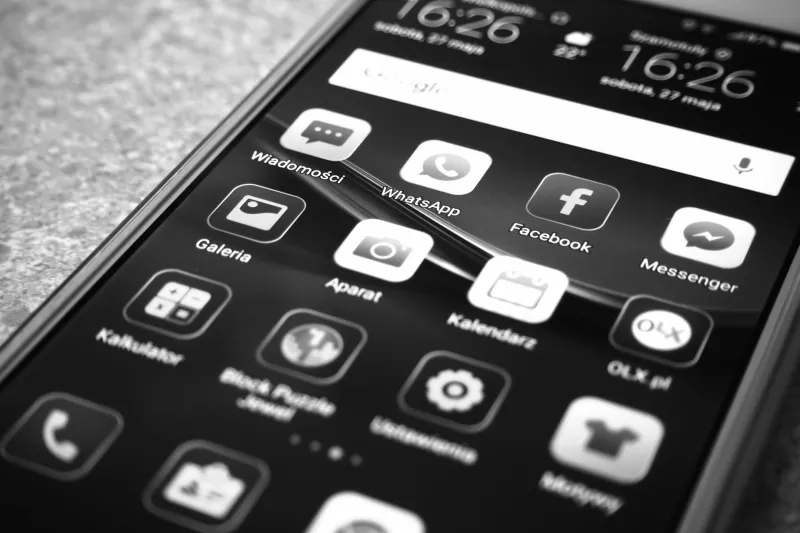
There's a certain kind of person who has a different app for everything. One app for grocery lists, another for general tasks, a third for work projects. A dedicated habit tracker. A separate sleep logger. A specific app just for saving articles to read later. If you're nodding along, you might have 50, 60, maybe even 80 apps installed right now.
Then there's the other kind of person — the minimalist who insists their entire digital life fits inside a dozen apps and they've never been more focused.
We wanted to know: who's actually right? Does specialization make you sharper, or does app overload quietly drain your attention? We ran a month-long experiment to find out, and the answer is more nuanced than either camp wants to admit.
How We Set It Up
We started with a real-world power user setup: 55 apps, each chosen for a specific purpose. Todoist for tasks. Notion for notes and docs. Separate apps for weather, news, flight tracking, expense logging, meditation, workouts, sleep, and more. This isn't unusual — it's actually a pretty typical configuration for someone who's spent years optimizing their phone.
For the minimalist phase, we cut down to 12 apps covering broad categories:
- Apple Notes (replacing Notion, a dedicated journal app, and a recipe saver)
- Reminders (replacing Todoist and a habit tracker)
- Google Maps (replacing a transit app and a parking app)
- Spotify (replacing a podcast app and an audiobook app)
- Gmail + Calendar (consolidating multiple email and scheduling tools)
- Chrome (replacing a read-later app by using bookmarks instead)
- One social media app (Instagram, rotating weekly)
- Photos, Messages, Phone (non-negotiables)
The rules were simple: stick to the plan for 30 days, track productivity and stress levels informally, and note every moment where the minimalist setup either shined or fell apart.
Week One: The Withdrawal Phase
The first week of the minimalist setup was genuinely uncomfortable. Not because the apps were bad, but because habits are stubborn. Reaching for Todoist and finding Reminders instead felt like grabbing for your coffee mug and picking up someone else's. The features were there — just arranged differently.
The power user setup, by contrast, felt frictionless in week one. Everything was exactly where muscle memory expected it. Specialized apps tend to do their one job very well, and that efficiency is real.
But something interesting happened by day five of the minimalist experiment: decisions got faster. Instead of choosing which app to open for a quick note, there was only one option. That removed a tiny cognitive step that, multiplied across dozens of daily interactions, adds up to a surprising amount of mental overhead.
Where Minimalism Won
For everyday, low-stakes tasks — jotting reminders, saving a link, setting a timer, checking the weather — the simpler setup was genuinely better. Fewer apps meant fewer notifications, fewer update prompts, and a home screen that didn't feel like a control panel.
The consolidation also surfaced something unexpected: a lot of specialized apps were duplicating effort. Notes in Notion, reminders in Todoist, saved articles in Pocket — these were three separate places to look when trying to remember something. Collapsing them into two apps (Notes and Reminders) actually made retrieval easier, not harder.
For casual users or anyone who feels vaguely overwhelmed by their phone, this approach is legitimately worth trying. The cognitive load reduction is real.
Where Specialization Fought Back
Here's the thing about versatile apps: they're generalists, and generalists have limits.
Apple Notes is excellent. It is not, however, a project management tool. By week two of the minimalist phase, tracking a multi-step work project inside Notes required workarounds that a purpose-built app like Notion or Linear would have handled automatically. Kanban boards, dependency tracking, linked databases — that stuff exists for a reason.
Similarly, replacing a dedicated fitness app with manual entries in Reminders was technically possible and practically miserable. Fitness apps track trends, visualize progress, and integrate with Apple Health in ways that a plain text list simply cannot replicate. After two weeks, we quietly reinstated a workout app. It was the right call.
The pattern that emerged: specialized apps earn their place when the task is complex, recurring, and data-driven. If you're just logging that you drank water today, a habit app might be overkill. If you're tracking a training plan with progressive overload, you need the right tool.
The Honest Takeaways
After 30 days, we landed somewhere in the middle — which, honestly, is probably where most people should be.
Cut apps that overlap. If two apps are doing roughly the same job, one of them is clutter. Audit your home screen and ask: what unique function does this serve that nothing else on my phone does?
Keep specialized apps for specialized needs. Photo editing, fitness tracking, language learning, music production — these categories have dedicated apps because the depth genuinely matters. Don't sacrifice capability for the aesthetic of a clean home screen.
The magic number isn't 12 or 55. It's however many apps you actually open in a given week. If you haven't touched something in 30 days, that's your answer.
Notifications matter more than app count. The real productivity killer isn't having 50 apps — it's having 50 apps all pinging you constantly. Aggressive notification management does more for focus than deleting apps ever will.
So, Do You Need 50 Apps?
Probably not 50. But probably more than 12. The sweet spot for most people is somewhere in the 20-30 range: a handful of versatile workhorses handling everyday tasks, plus a curated set of specialized tools for the things you actually care about doing well.
The goal isn't minimalism for its own sake. It's intentionality — knowing why each app is on your phone and what you'd lose without it. If you can answer that question for every icon on your home screen, you're in good shape regardless of the number.
And if you can't? That's what a good purge is for.